Follow one kitchen from first estimate to last payment.
Each step below is a real screen in Cabinet Biz. Your customer sees their side, your team sees theirs, and you see it all.
Estimates, room by room
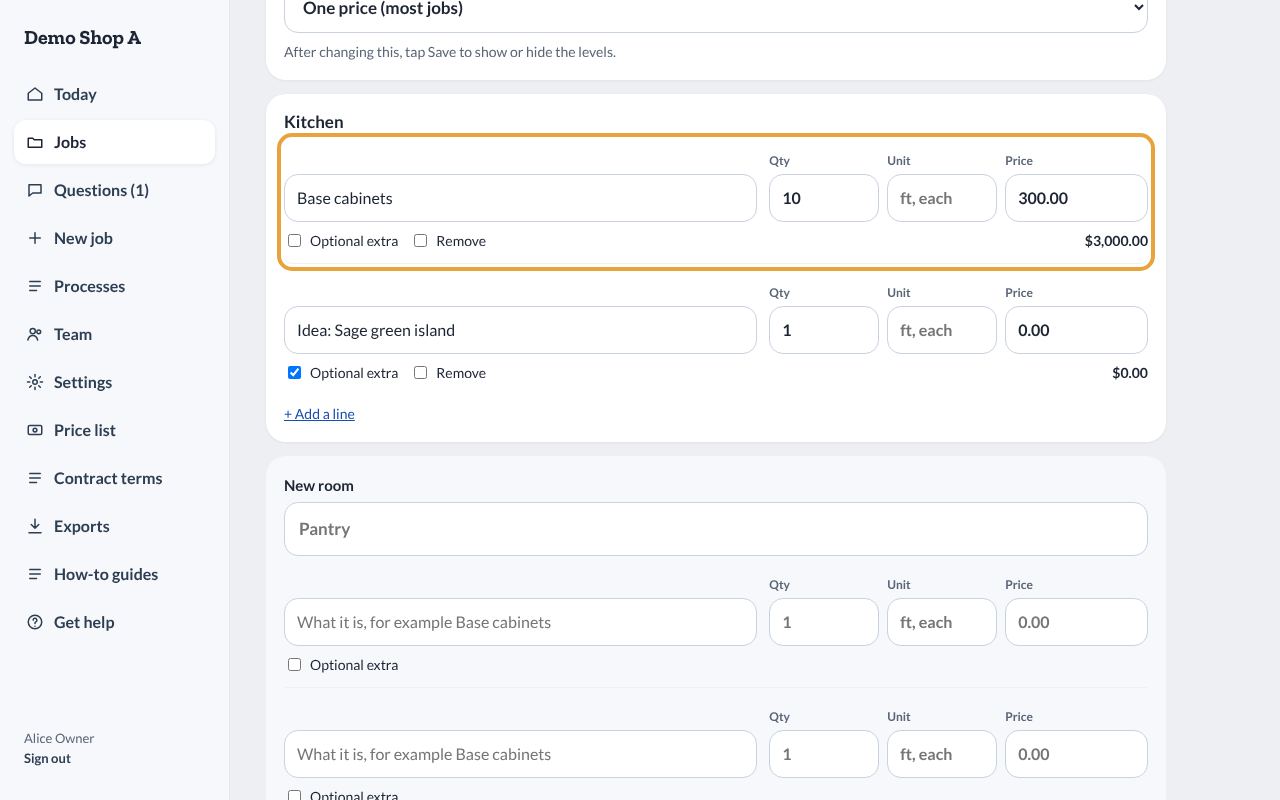
Add rooms, cabinet runs and options. Save line items you use often. Send the estimate to the customer's portal and see when they open it.
Contracts signed online
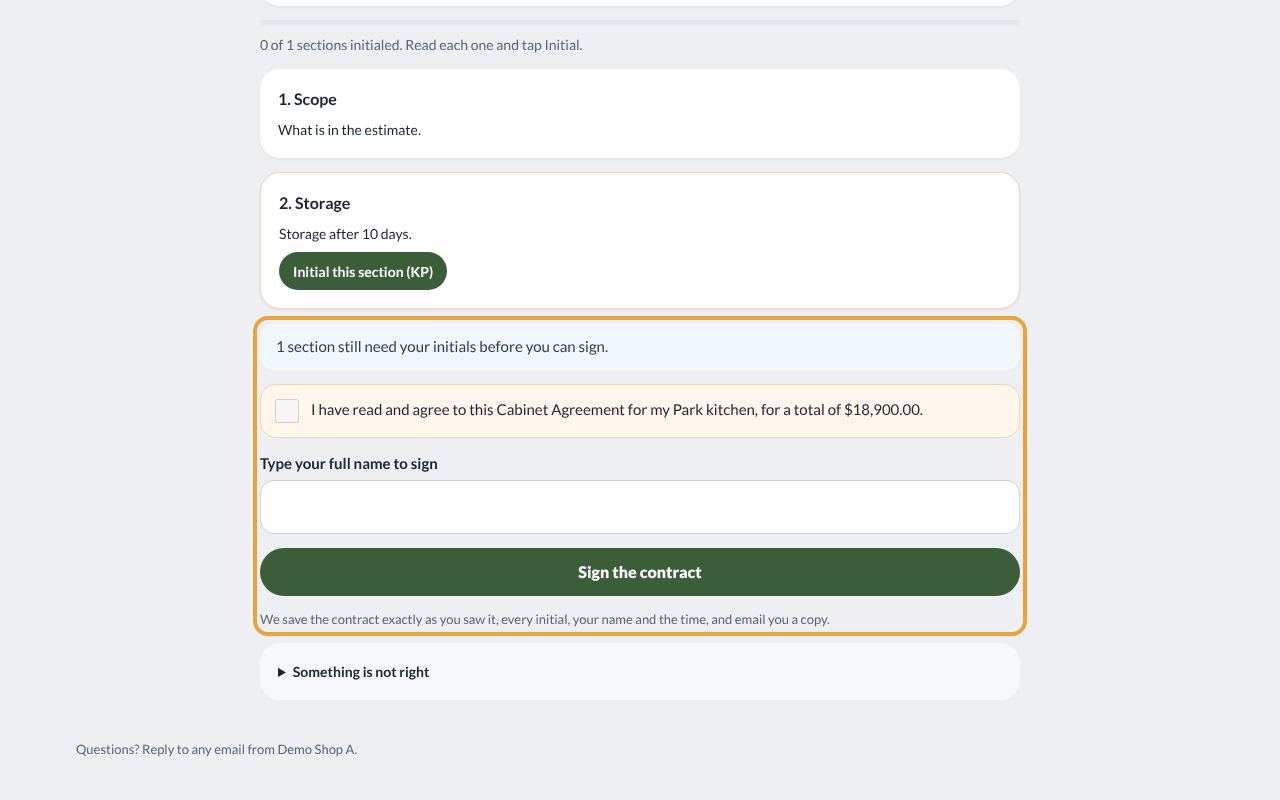
The estimate becomes the contract. The customer initials each section and signs in the portal, and the deposit due shows on the job right away.
Drawings and finishes, with every version kept
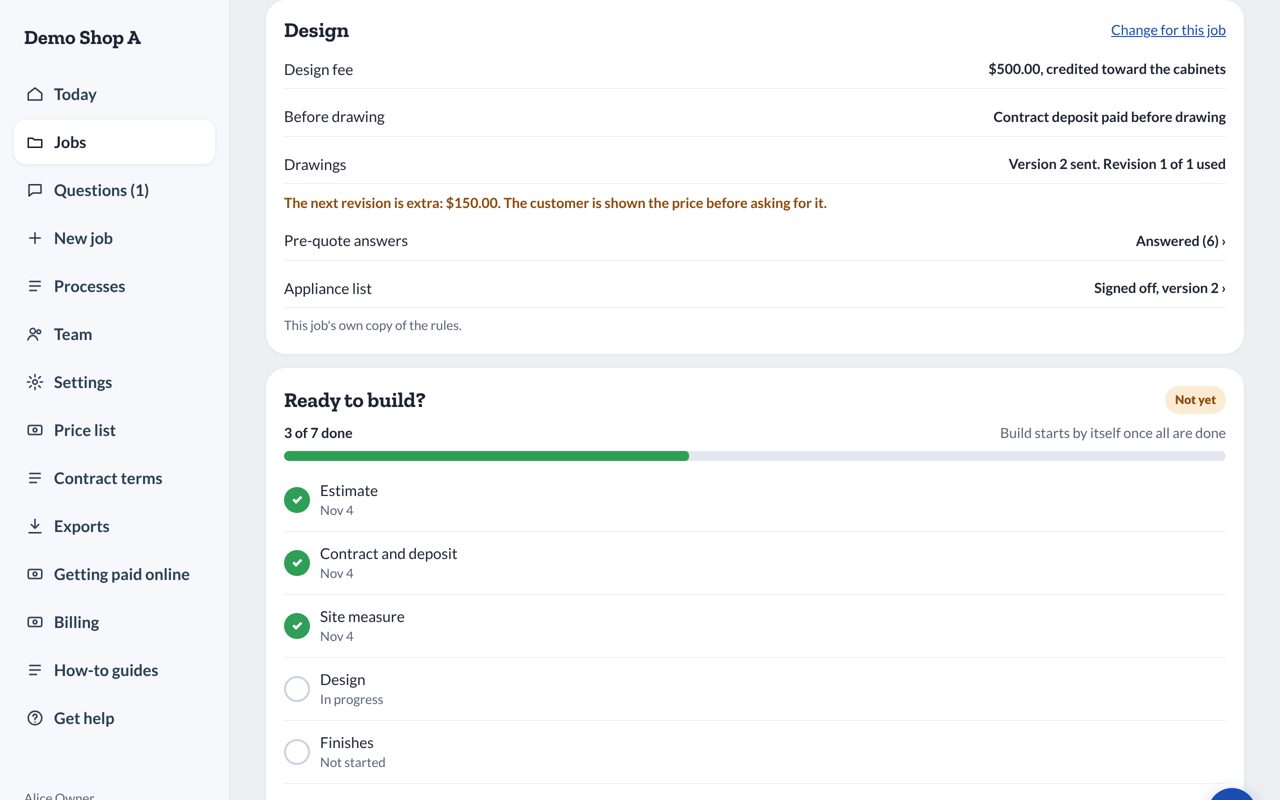
Upload floor plans and elevations. When you revise, the old version stays on file, and the customer approves the exact version you build from. Paint, sheen and stain are approved on the record before anything goes in the booth.
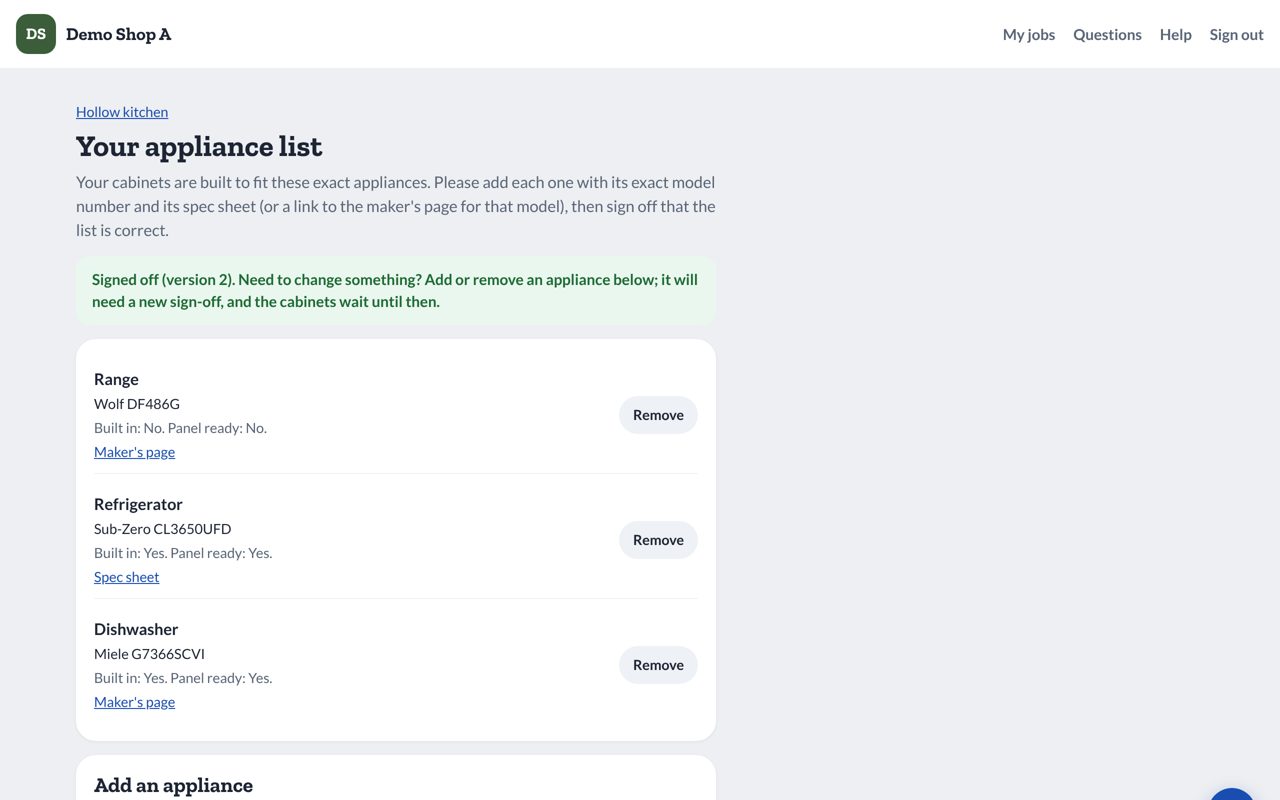
Appliance list signed off
The customer lists each appliance with its model number and signs off, so the cabinets are built to fit what is actually going in.
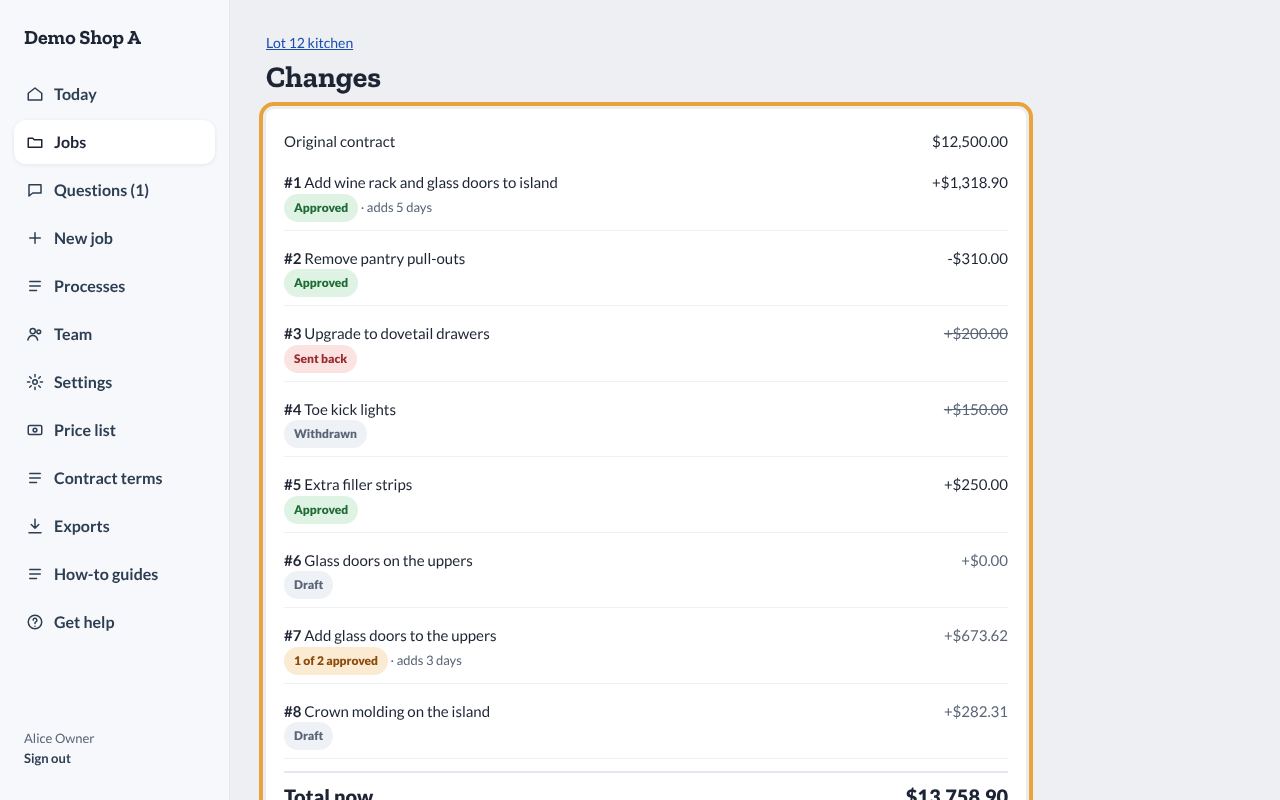
Change orders priced and approved first
Add the change, the new price and the effect on the balance. The customer approves it in the portal, and the approval is kept with the date and time.
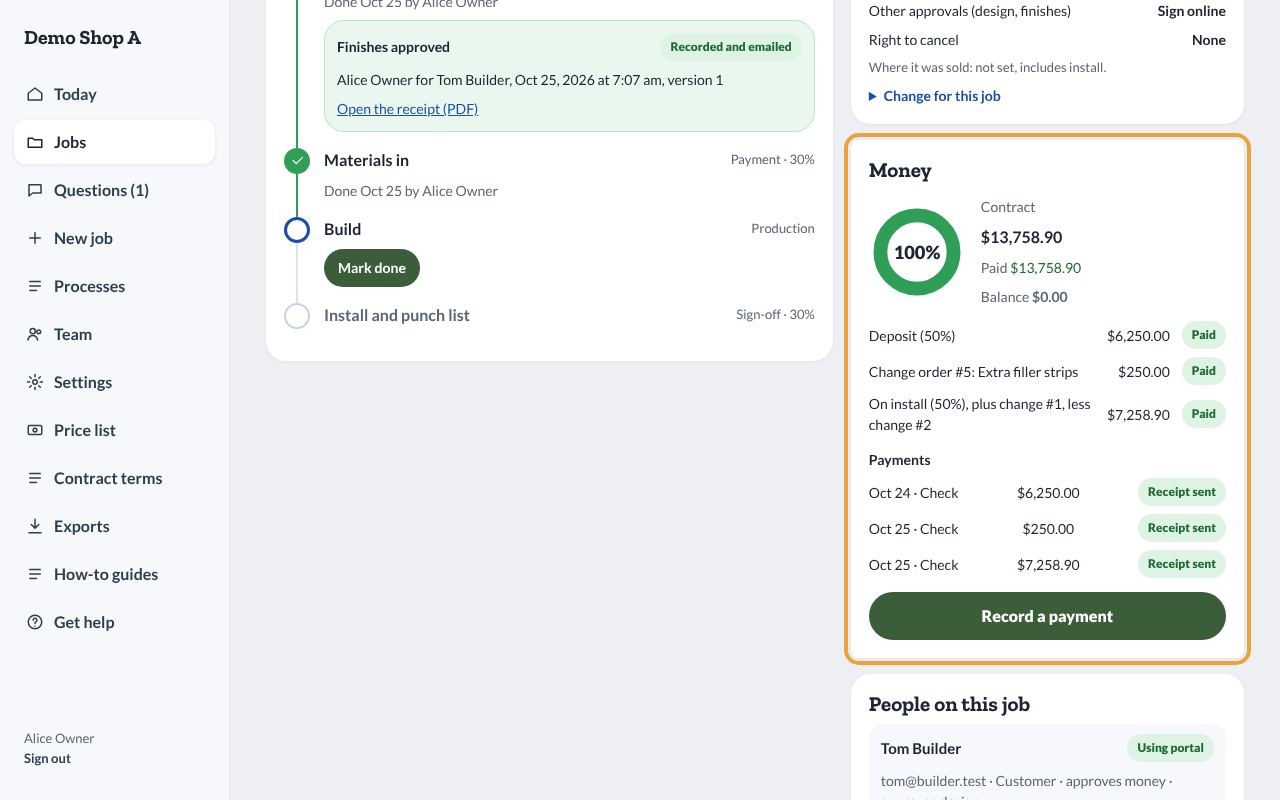
What is owed, always clear
Record deposits and payments as they come in, or let customers pay online. Contract, changes, paid and balance stay up to date for you and the customer. When the job is done, archive it and it stays searchable.
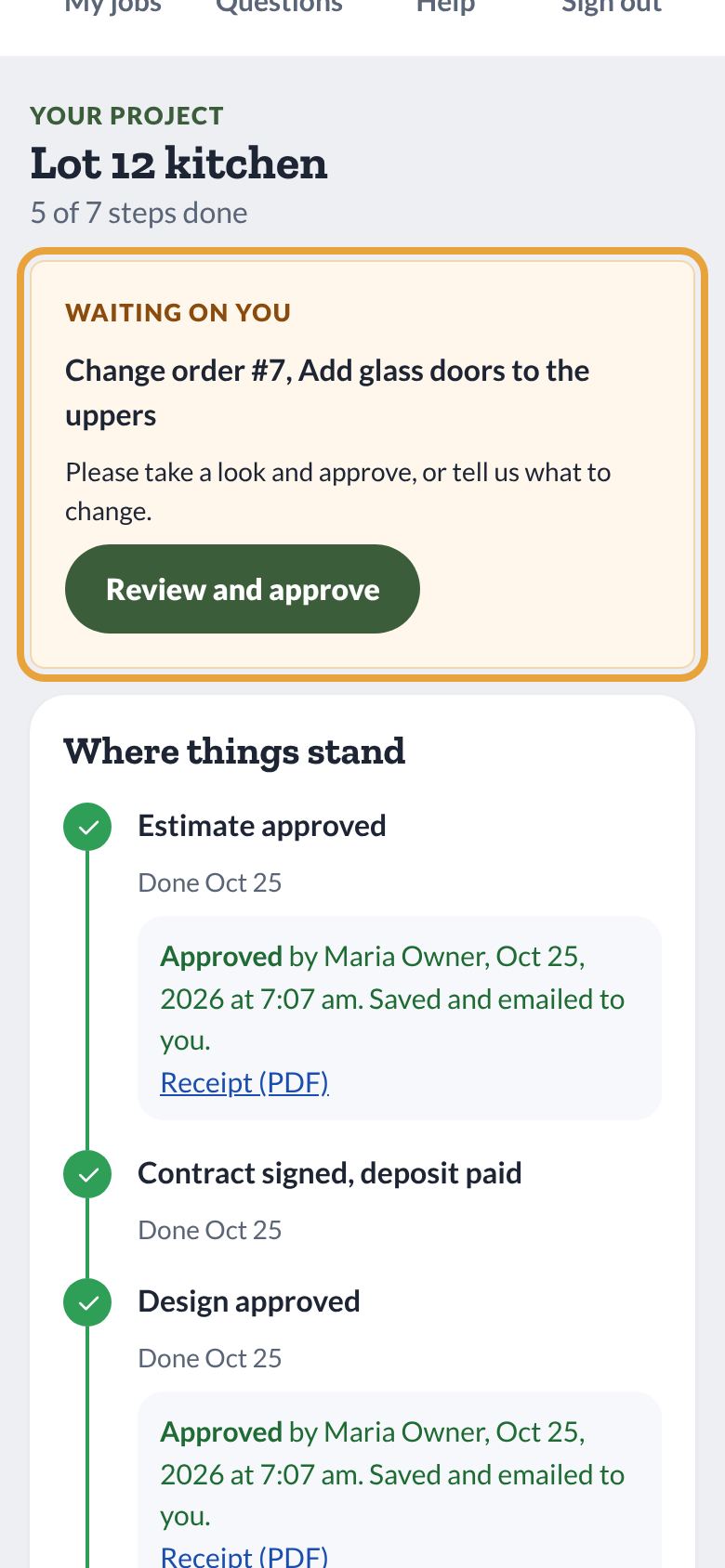
What your customer sees
Your logo and colors. Their projects, what is waiting on them, and what they owe. Adding a customer takes a name and an email; they get an invite to sign in.
Your team, your rules
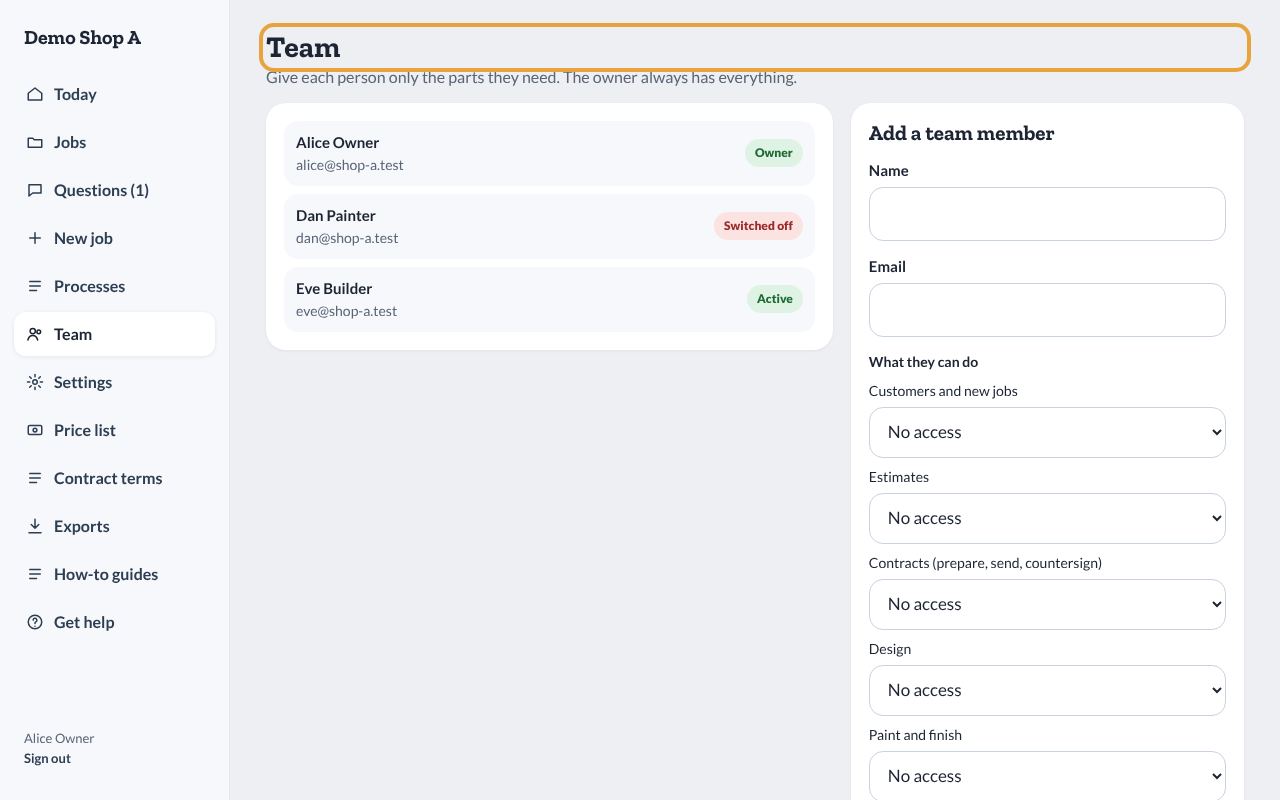
Give each person rights by step: estimates, contracts, design, paint, changes, approvals and money. The finisher sees finish schedules, not your margins.